What Do I Run in My Homelab? A Tour of My Self-Hosted Tools
A complete tour of the tools and services I run in my Homelab, organized by layer: infrastructure, network & security, dev & AI, monitoring and multimedia, all driven from my Homepage dashboard and deployed with GitOps using Flux.
Context
I firmly believe the best way to learn infrastructure is to build one. That is exactly the philosophy of my Homelab: apply at home what I do at work, with open-source tools, to test, break and fix things.
Over time, my list of services organized itself into clear layers: infrastructure, network & security, development, monitoring and multimedia. And one day I realized I needed a single entry point to manage it all. So I tried several solutions before choosing Homepage as my central dashboard.
My Homelab is not a server “sitting in a corner”. Everything is versioned in my monorepo, which I will open-source soon, provisioned with
Terraform/OpenTofuandAnsible, and deployed with GitOps usingFlux CD.
Objective
In this article, I take you on a guided tour of my Homelab. After reading, you will know:
- How the infrastructure is organized (virtualization, Kubernetes, GitOps)
- Which network, security and development tools I self-host, and why
- Which observability stack I use to monitor everything
- How all these services are exposed and secured
This is an overview, not a step-by-step tutorial: a snapshot of what I actually run, with useful links to go deeper on each tool.
An Overview
Before diving into the details, here is how my Homelab is organized:
mindmap
  root((Homelab))
    Dashboard
      Homepage
    Infrastructure
      Proxmox VE (5 nodes + PBS)
      Kubernetes / Talos Linux
      Flux CD + Argo CD
      Longhorn
      TrueNAS
    Network & Security
      OPNsense
      Traefik
      Pi-hole
      Authentik
      OpenBao + Infisical
    Dev & AI
      Forgejo
      Backstage
      n8n + Kagent + OpenCode
    Monitoring
      Prometheus + Grafana
      Alertmanager
      Uptime Kuma
    Multimedia
      Navidrome
      Immich
      Audiobookshelf
The Entry Point: Homepage
Homepage is a self-hosted, lightweight dashboard, fully configurable in YAML. It is the front door to my entire Homelab.
It lets me:
- Group all my services into tabs:
Infrastructure,Network & Security,Dev & AI,Monitoring,Multimedia,External Services - Display real-time widgets: CPU/memory/disk resources, date, search
- Reach any service in one click, with availability status
Infrastructure
Virtualization: Proxmox VE
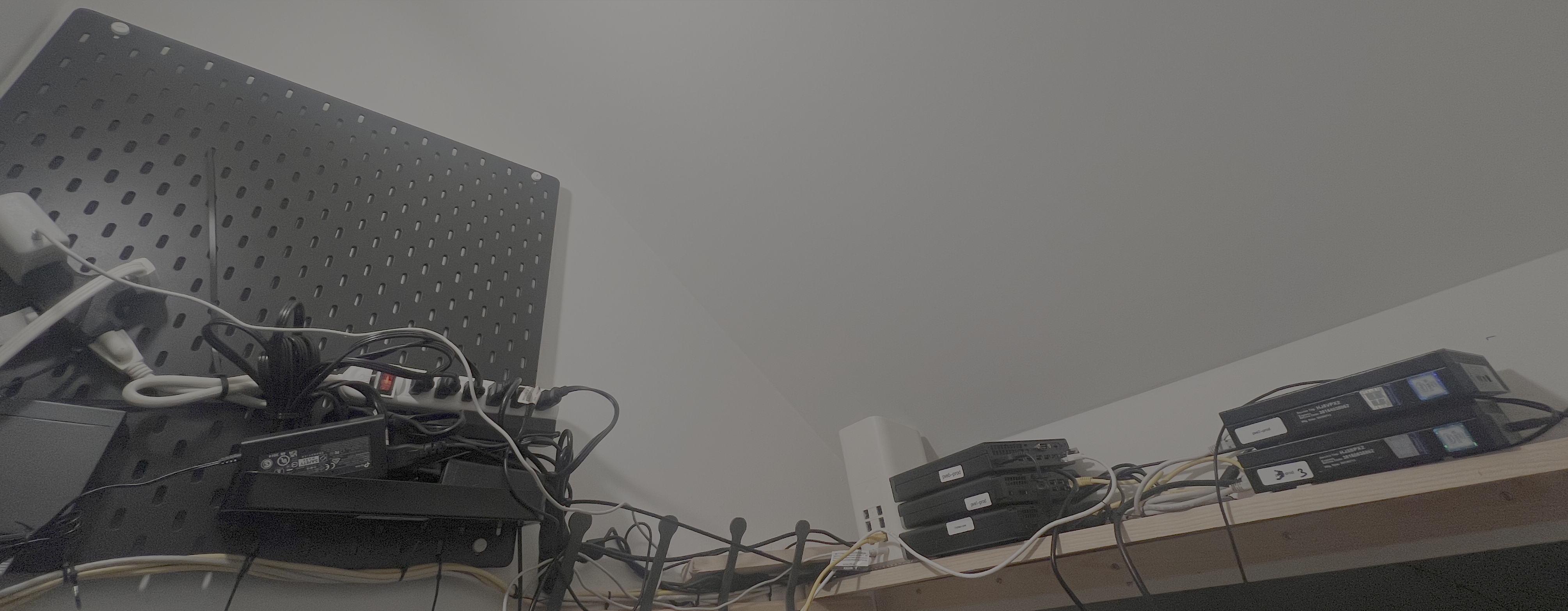
Proxmox VE is the foundation of my Homelab. A five-node cluster where three nodes run permanently (PVE1, PVE2, PVE3), with a dedicated Proxmox Backup Server for backups.
The two remaining nodes start on demand: a Kubernetes CronJob sends a Wake-on-LAN (WoL) packet to wake them up when needed, and another shuts them down on a schedule. The goal: save electricity when the workload does not justify running them.
All provisioning is done as Infrastructure-as-Code with Terraform/OpenTofu, and configuration with Ansible.
The Cluster OS: Talos Linux
On top of Proxmox, my Kubernetes cluster runs on Talos Linux, an immutable distribution designed exclusively for Kubernetes.
GitOps: Flux CD and Argo CD
To apply changes, I use GitOps: Flux CD reconciles the cluster state with what is declared in my git repositories. A git push is enough to deploy. No manual kubectl apply needed. I also use Argo CD, but mainly to keep a hand on the cluster and run a few small experiments.
Around that, I also run:
- Headlamp: a modern UI to inspect the cluster
- Flux Web: the Flux CD web UI to visualize reconciliations
- AKHQ: the control interface for my Kafka cluster, deployed with the Strimzi operator
Storage: TrueNAS, Longhorn, RustFS
Storage is organized in several tiers:
- TrueNAS for classic network storage
- Longhorn as Kubernetes-native distributed storage
- RustFS, an
S3-compatible object storage, split into two pools, a fast one and a slow one, depending on the use case
And PgAdmin to administer the PostgreSQL databases.
Network & Security
The Network: OPNsense, routers, Traefik
At the lower layer, the network is protected by an OPNsense firewall, completed by two routers. To expose services, Traefik acts as reverse proxy and load balancer.
DNS is handled by Pi-hole, which I also use as an ad blocker at the network level.
Identity and SSO: Authentik
Authentik is my Identity Provider. It centralizes the SSO of every self-hosted service and handles access through an OAuth proxy. One account, one session, granular access policies.
Passwords: Vaultwarden
Vaultwarden, the lightweight open-source implementation of Bitwarden, hosts my password manager. Multi-device sync without depending on a cloud service.
Secrets: OpenBao and Infisical
On the secrets side, I use two complementary tools:
- OpenBao, the community fork of
Vault, forPKI, dynamic secrets and Kubernetes integration throughExternal Secrets - Infisical for managing environment variables of my
IaCtools (Terraform, Ansible) and my CI/CD pipelines
I detail the migration from
direnvtoInfisicalin my article: Goodbye .envrc, Hello Infisical: One Secret Manager for My Entire Setup.
Dev & AI
Source Code Hosting and CI: Forgejo
Forgejo hosts my git repositories and CI/CD pipelines. It is the heart of my GitOps workflow: all the Homelab configuration, including Homepage’s, lives in Forgejo.
The Developer Portal: Backstage
Backstage is my developer portal. It acts as a service catalog: nowadays, with AI able to generate components, honestly I don’t use it.
RSS Feeds
I vibecoded an application that lets me centralize my RSS feeds, without trackers or algorithms. A small bit of digital freedom that I read daily to keep up with the latest news.
Documentation: Mombedocs
Mombedocs is generated with Zensical.
AI: n8n, Kagent, OpenCode
And of course, the most recent and most fun part:
- n8n to automate my workflows
- Kagent, a Kubernetes-integrated AI agent for cluster operations
- OpenCode, my coding assistant which I use daily through the self-hosted web option
Self-hosted AI has become a real topic in my Homelab: I use
OpenCode/Pidaily for coding andKagentto interact with my cluster.
Monitoring
The Observability Stack: Prometheus, Grafana, Alertmanager
Without observability, you operate blind. My stack is classic but complete:
- Prometheus collects metrics
- Grafana visualizes them in dashboards
- Alertmanager routes alerts to Discord
Supervision: Uptime Kuma
Uptime Kuma monitors the availability of all my services, with immediate notifications on failure. It is the “outside the cluster” layer that tells me whether the rest is working.
Multimedia
Music: Navidrome
Navidrome lets me stream my music library in self-hosting, with a modern interface.
Photos: Immich
Immich is my Google Photos alternative: backup, search and automatic photo recognition, all on my own hardware.
Audiobooks: Audiobookshelf
Audiobookshelf centralizes my audiobook and podcast library, synchronized across all my devices.
Useful Resources
Conclusion
My Homelab is a layered architecture, not a pile of services: every tool answers a need and every layer is deployed with GitOps. The Homepage dashboard is only the visible part of a setup designed like a professional environment.
I started small, with a single server running Docker, then gradually moved everything to Kubernetes. Every service I added enriched the whole without ever making it unmanageable.